 APK
APK Google Play
 iOS
iOS 3.80
3.80About This App
-
Package Name
com.google.android.apps.googleassistant
-
Version Name
V0.1.601924805
-
Version Code
60
-
File Size
1.23 MB
-
System
Android 5.0+ (Lollipop, API 21)
-
Update time
2023-01-01
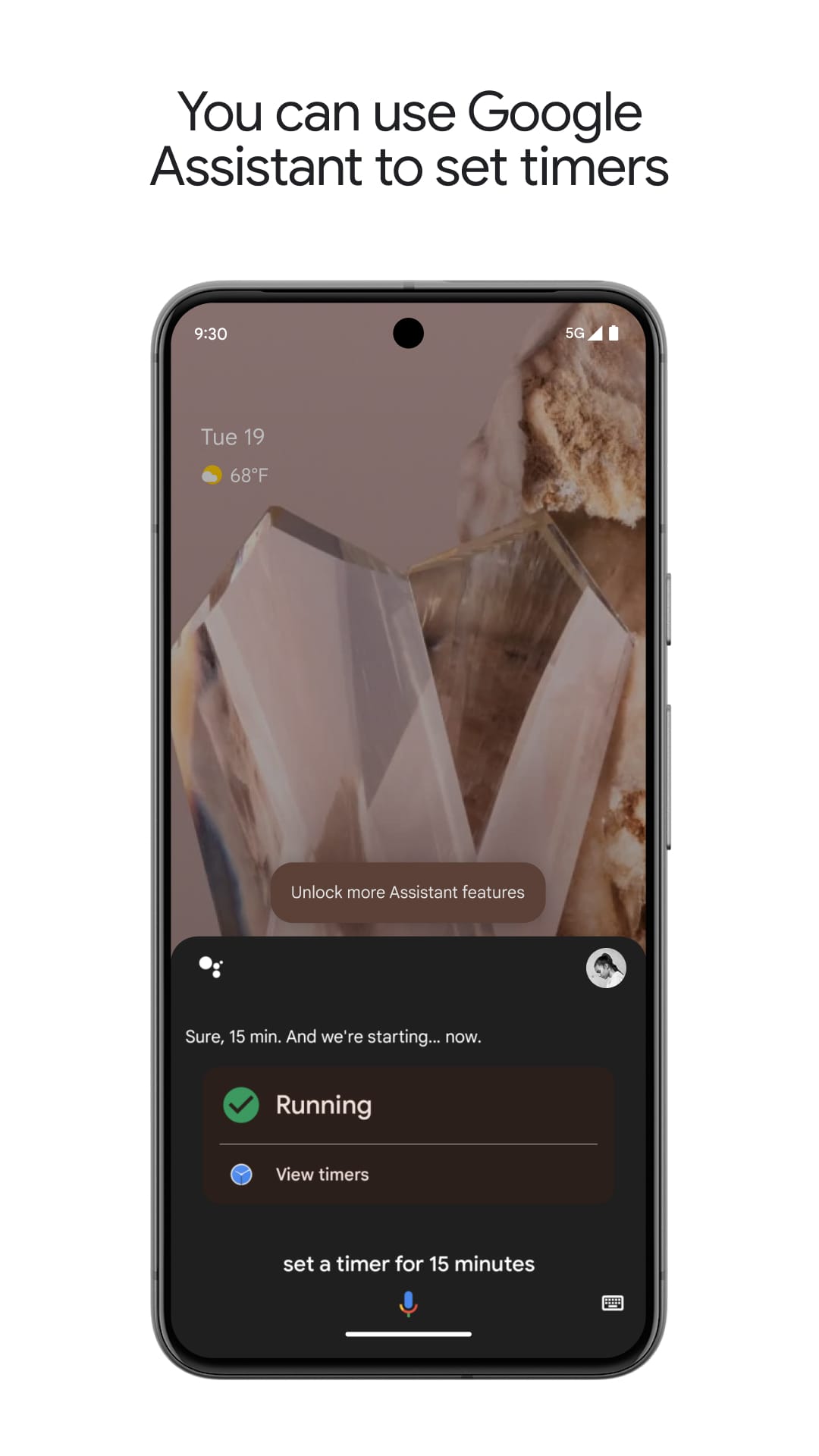
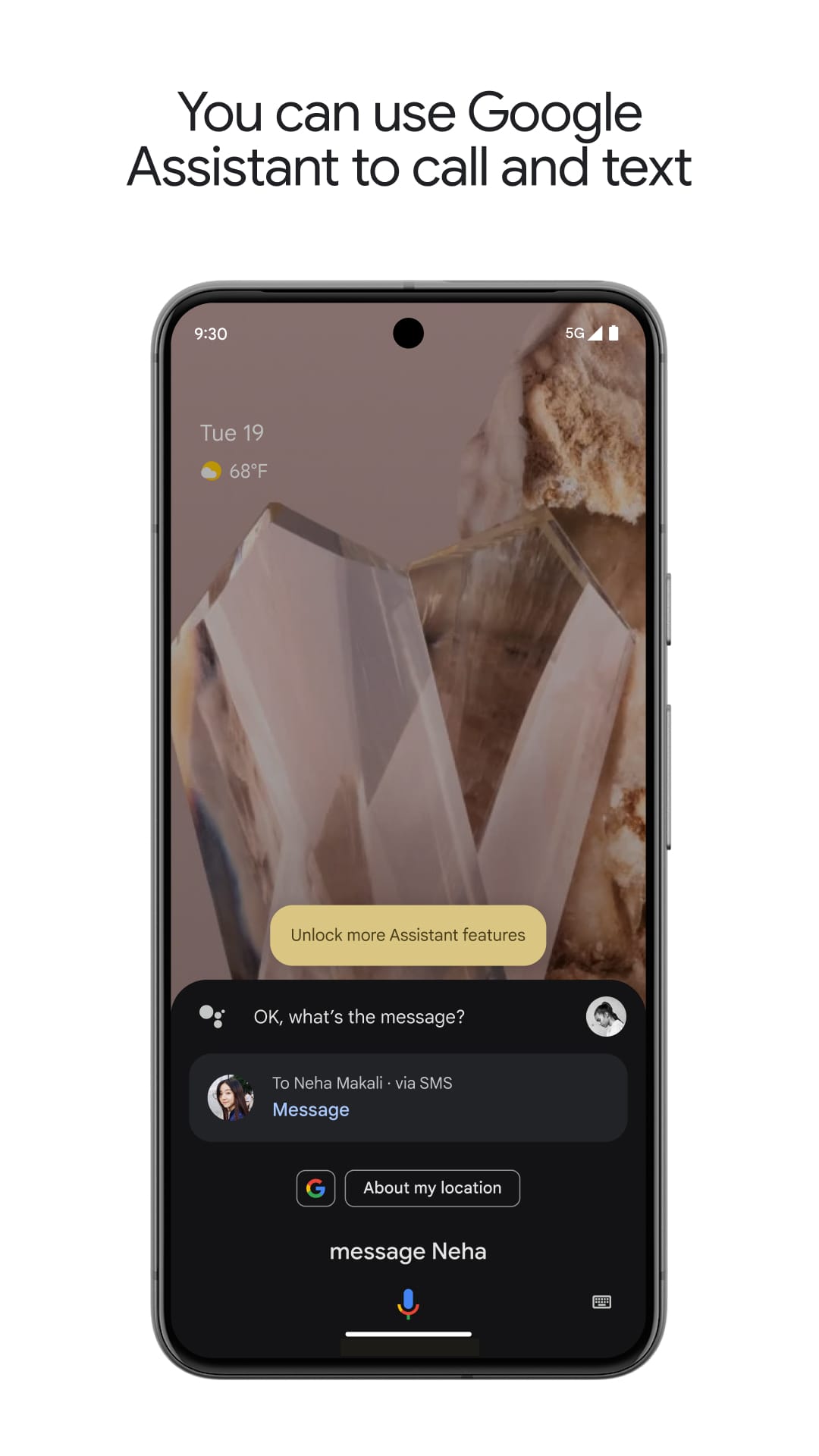
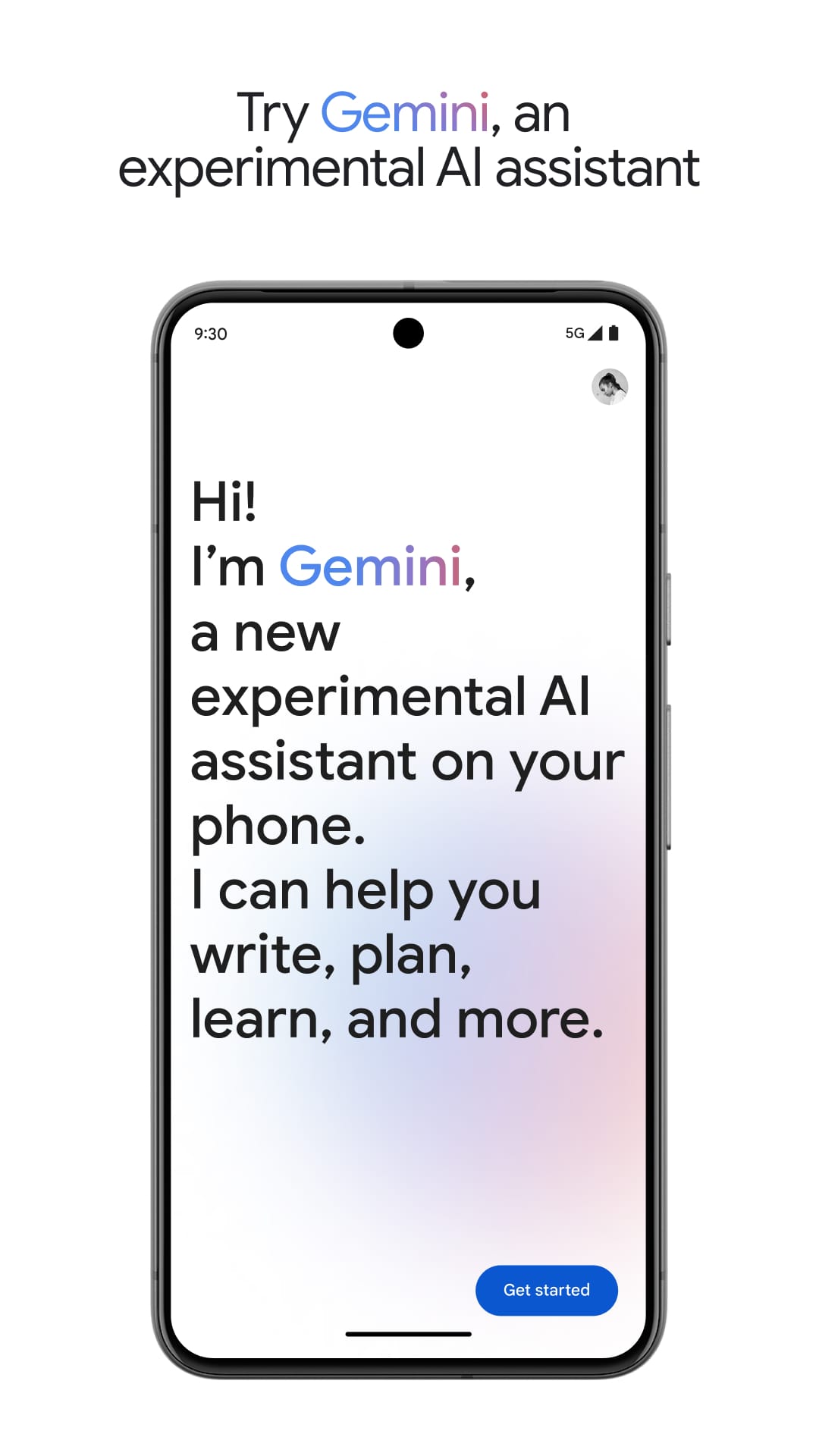
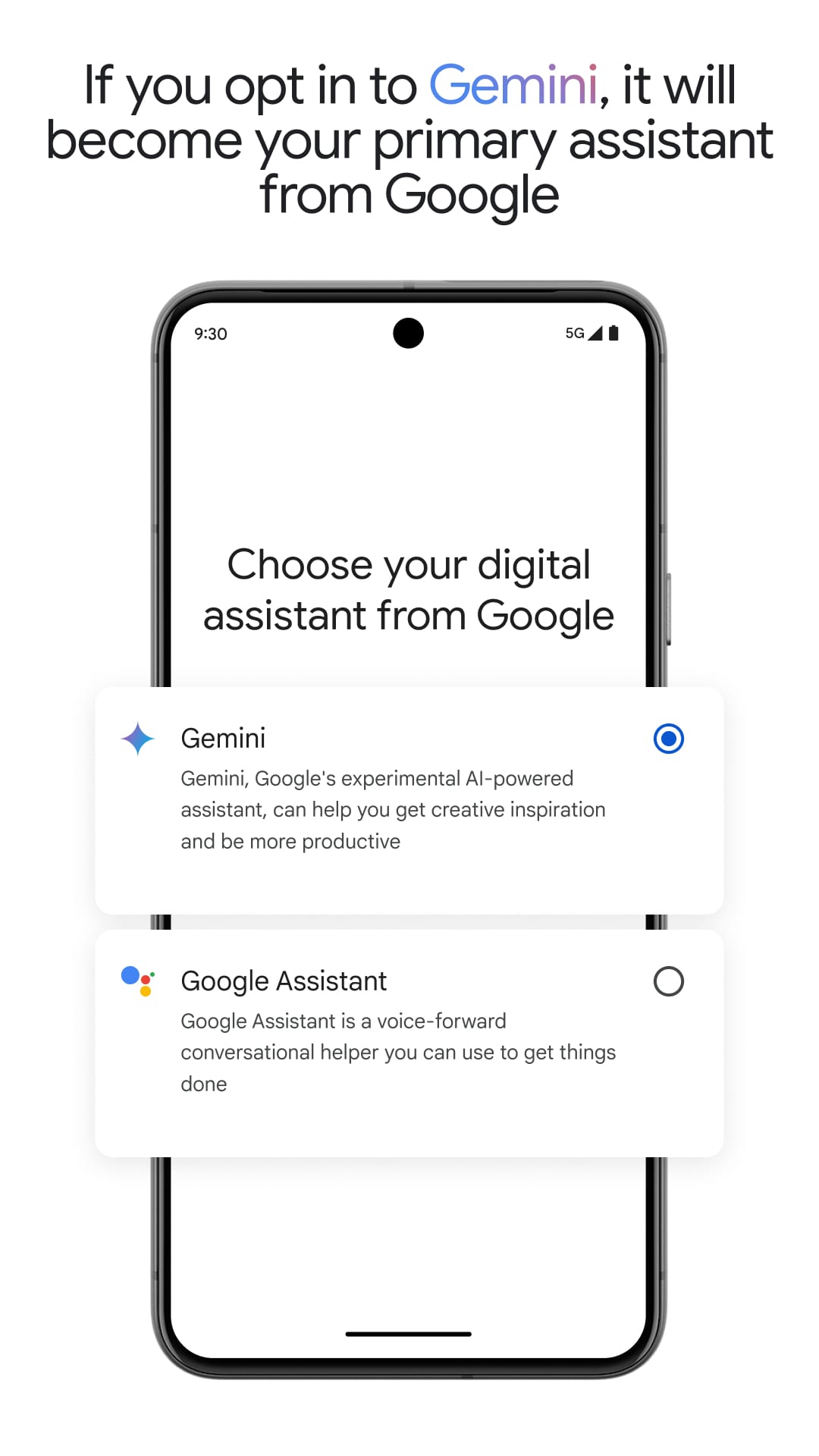
Fancy feeling like you've stepped into a futuristic world of voice-activated gadgets? Well, the future is now, and it fits right in your pocket! Google Assistant, the nifty virtual assistant app from Google, is here to make your life a breeze with just the power of your voice. Imagine controlling your phone, getting things done around the house, and even having a bit of fun – all without ever lifting a finger (well, except to grab your phone perhaps). Intrigued? Read on to see how Google Assistant can become your handy pocket helper.
Beyond Just Playing Music: A Multi-Talented Virtual Assistant
While playing your favourite tunes is definitely a perk, Google Assistant's capabilities extend far beyond basic music control. Here are just a few ways it can become your everyday sidekick:
Smart Home Control: Got a compatible smart home device? Simply speak your commands, and Google Assistant can adjust your thermostat, dim the lights, or even lock the doors – all hands-free! Perfect for those lazy mornings or evenings when that remote control just seems miles away.
Stay Organised & Get Informed: Need a quick reminder to pick up milk on your way home? Google Assistant can set reminders, add appointments to your calendar, and even check your schedule for the day. Feeling a bit out of the loop? Ask for the latest news headlines or sports updates, all delivered conveniently through voice prompts.
Boost Productivity & Simplify Tasks: Struggling to remember that cryptic shopping list or need to jot down a quick note? Google Assistant can transcribe your voice messages and create notes or lists on your behalf. You can even use it to send quick text messages or emails, freeing up your hands for more important things (like that cup of tea you deserve!).
Getting Started & Using Google Assistant with Ease
Using Google Assistant is as simple as saying "Hey Google" or "Ok Google" – no complex setup required! Here's a quick guide to get you started:
Activate & Personalize: Most Android phones come with Google Assistant pre-installed, while iPhone users can download the app from the App Store. Once activated, you can personalize your preferences, including choosing your preferred wake word and adjusting notification settings.
Conversational & Intuitive Interaction: No need to memorize complex commands – Google Assistant is designed for natural conversation. Simply speak clearly and ask your questions or give your instructions in plain English. The app is adept at understanding your requests and responding in a helpful and informative way.
Beyond the Phone & Smart Home Integration: While Google Assistant works wonders on your phone, it can also be your smart home hub. Pair it with compatible devices like speakers or smart displays, and control your entire ecosystem with your voice. Ask it to play music on your speaker, display the weather on your smart display, or even adjust the lighting in your living room – all without leaving the sofa!
Pros, Cons & User Feedback
So, is Google Assistant a must-have app? Let's weigh the pros and cons:
Pros: Hands-free convenience, improved productivity, smart home control, readily available information, and a touch of fun through interactive features.
Cons: Reliance on internet connection, potential privacy concerns (easily addressed by adjusting settings), and may not always understand complex accents (though constantly improving).
What do the Brits say? Reviews from UK users praise Google Assistant's ability to simplify daily tasks and control smart home devices. Many find it particularly helpful for setting reminders, checking the weather, and playing music hands-free. However, some users with strong regional accents mention occasional misunderstandings, though Google Assistant seems to be learning and improving all the time.
A Brilliantly Helpful Addition to Your Phone
Looking for a way to streamline your daily routine, control your smart home with your voice, and stay effortlessly informed? Google Assistant might just be the tech sidekick you've been waiting for. With its voice-activated commands, ability to manage tasks and information, and seamless integration with smart home devices, Google Assistant can become an indispensable part of your life. So, ditch the buttons, embrace the future of voice control, and download Google Assistant today! You might be surprised at how much this little app can do to simplify your life, all with just the sound of your voice.

 APK
APK







-
01How do I install this app after downloading it?
If you're an Android user and don't download the app from the official Google Play Store,you may find the installation process more complicated than usual.
But we are delighted to inform you that you don't need to worry. To ensure you could install this app smoothly,we have written and uploaded a detailed tutorial. It would guide you on installing an app after downloading it from our website step by step,with the help of pictures.
You may find this helpful article on the downloading site,or visit How to install APK/XAPK files on Android.
If you need further help,please do not hesitate to contact us via email [email protected].
-
02Is this app safe to use?
We fully understand your concern about safety. We agree that one person wouldn't be too careful in the cyber world. Meanwhile,we are happy to tell you that one of our priorities is to provide our users with safe app files that they can use without any worries.
We guarantee that all the app files we provided originate from official and reliable sources. We promise that they do not contain any malware that will harm your hardware or the safety of your privacy.
-
03Is this app free to download?
We are happy to inform you that the answer is an absolute YES! All the apps on our website are 100% free to download. Besides,you do not have to create an account. Just click on the download button,and it's done.
-
04How do I find my account back?
Recently we received a lot of emails from our users,which said they couldn't log in for different reasons,such as 'forgot the user name or password' or 'had a new phone.' We are willing to help you out. Please read the notes below to see what we can do.
To answer this question,please first let us know which account you're referring to.
If you're referring to your account of some app,like your Facebook account or your Youtube account. Unfortunately,we would not be able to help in this case. We would suggest you turn to the customer service of this application.
-
05How do I cancel subscriptions?
This question is essentially quite similar to the prior one. It's a pity that we are unable to help you to cancel the subscription to a third-party application directly,while we would suggest you to contact its customer service for further information.
-
06How do I get a refund?
Sorry that we are unable to help you to get a refund from a third-party application directly. If you wish to get a refund from a third-party app,we would suggest you to contact its customer service. We would be happy to provide you the way to contact them.
If you want a refund from us,we should apologize for your confusion. Our service is 100% free,and any payment information is not required.
If you run into any site that asks you to provide your payment information,be careful. Remember never reveal your payment information to any unauthorized third parties,no matter how attempting their offer may seem.
-
07How to use this app?
Sorry that we cannot answer this question directly,for this only aims to answer some general questions. You may find how to use a certain app by checking our review page.
1. appsresort.com does not represent any developer, nor is it the developer of any App or game.
2. appsresort.com provide custom reviews of Apps written by our own reviewers, and detailed information of these Apps, such as developer contacts, ratings and screenshots.
3. All trademarks, registered trademarks, product names and company names or logos appearing on the site are the property of their respective owners.
4. appsresort.com abides by the federal Digital Millennium Copyright Act (DMCA) by responding to notices of alleged infringement that complies with the DMCA and other applicable laws.
5.If you are the owner or copyright representative and want to delete your information, please contact us info@ appsresort.com .
6.All the information on this website is strictly observed all the terms and conditions of Google Ads Advertising policies and Google Unwanted Software policy.
7. appsresort.com is an independent, information-only website which is 100% free to all the users.