Open Menu
Home
Apps
Games
Articles
Additional Information
Category
Productivity
Version
V2023.20.2-534410583-release
Tag
calendar | calendars | schedules
Rate
4.6
Reviews
95382
Installs
5,000,000,000+
Developer
Google LLC
Content Rating
Everyone
Make the most of your day with Google Calendar, part of Google Workspace
About This App
  • Package Name

    com.google.android.calendar

  • Version Name

    V2025.04.1-720118263-release

  • Version Code

    2017669545

  • File Size

    30.76 MB

  • System

    Android 8.0+ (Oreo, API 26)

  • Update time

    2023-01-01

Screenshots
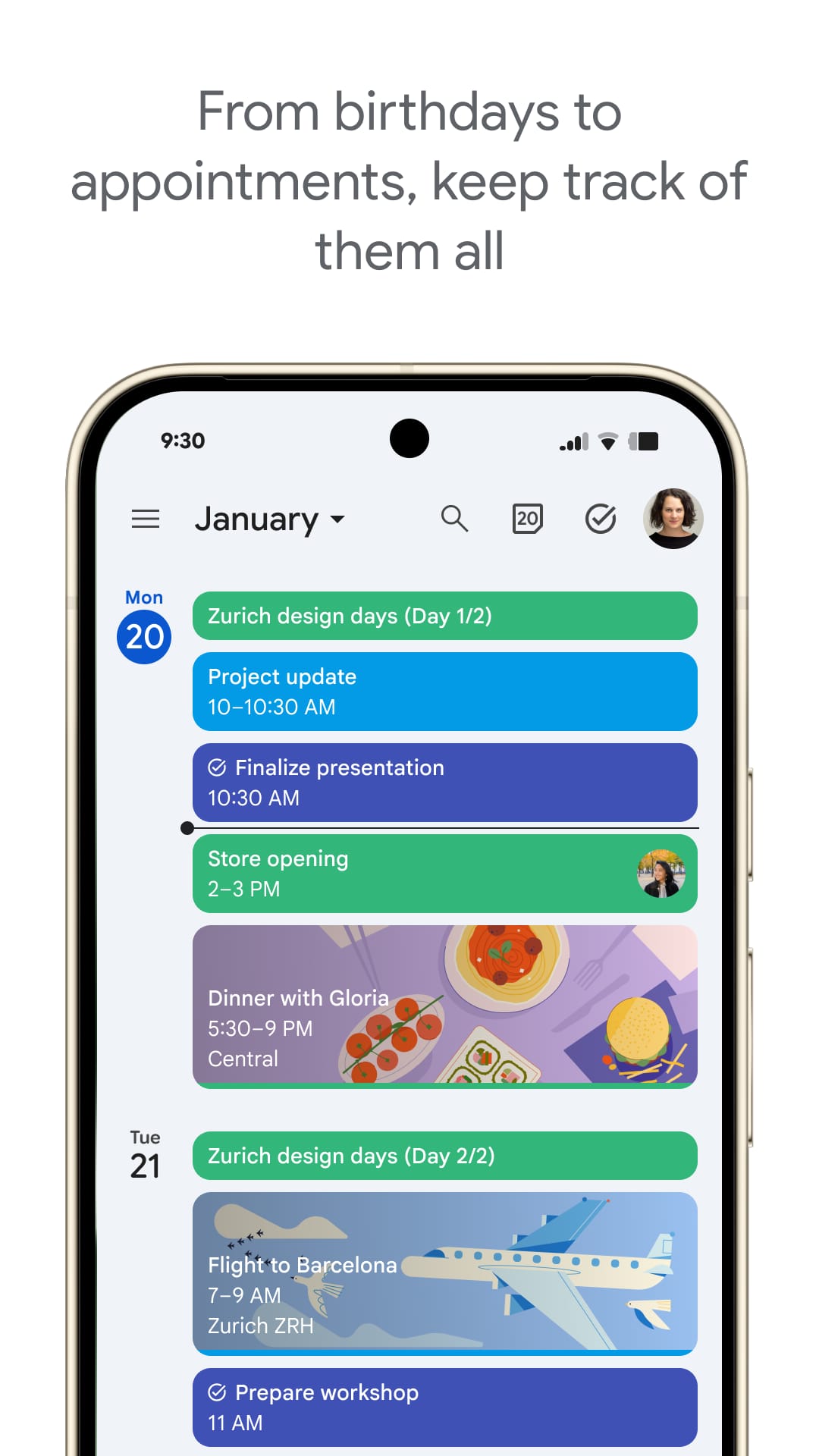
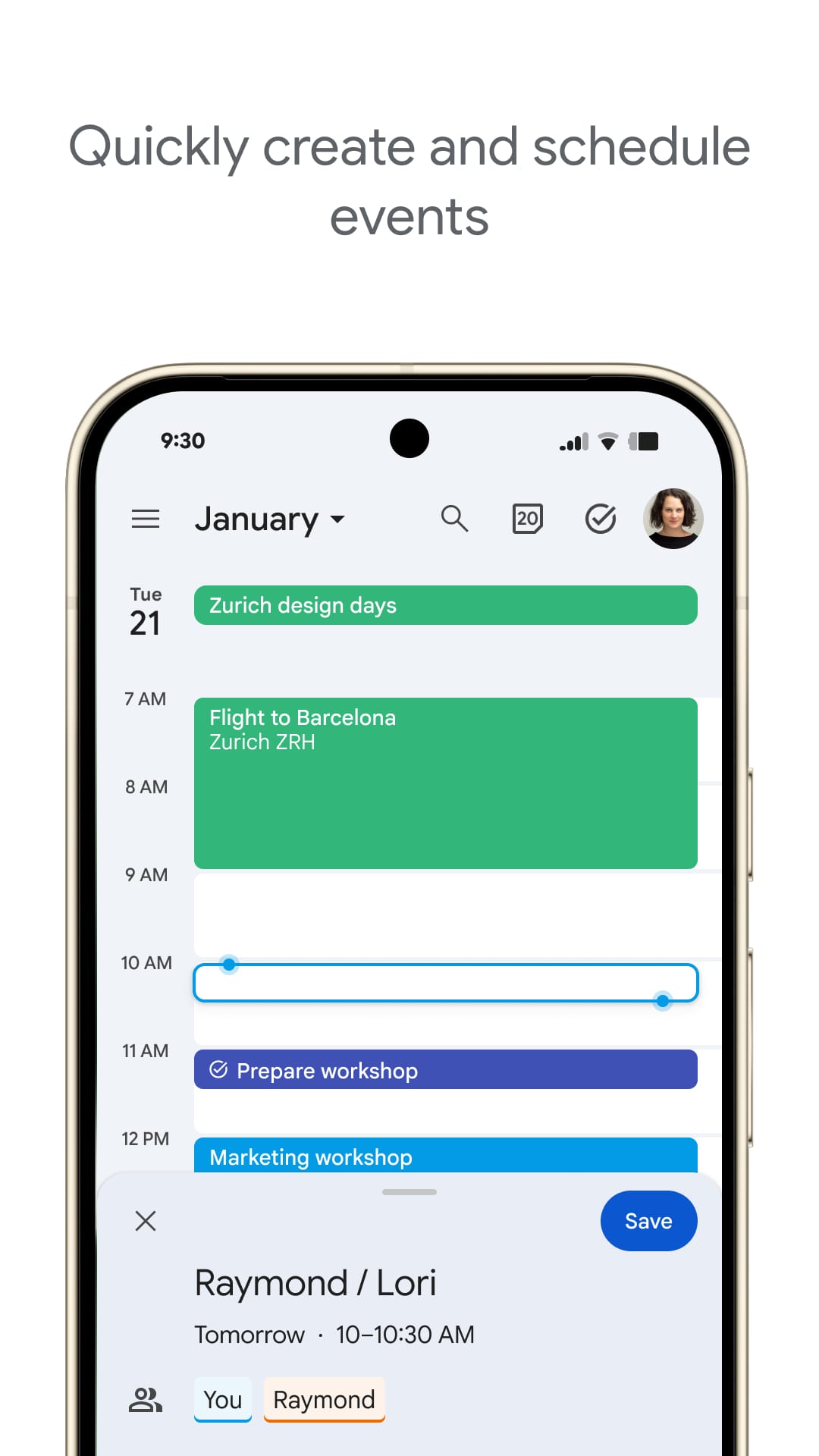
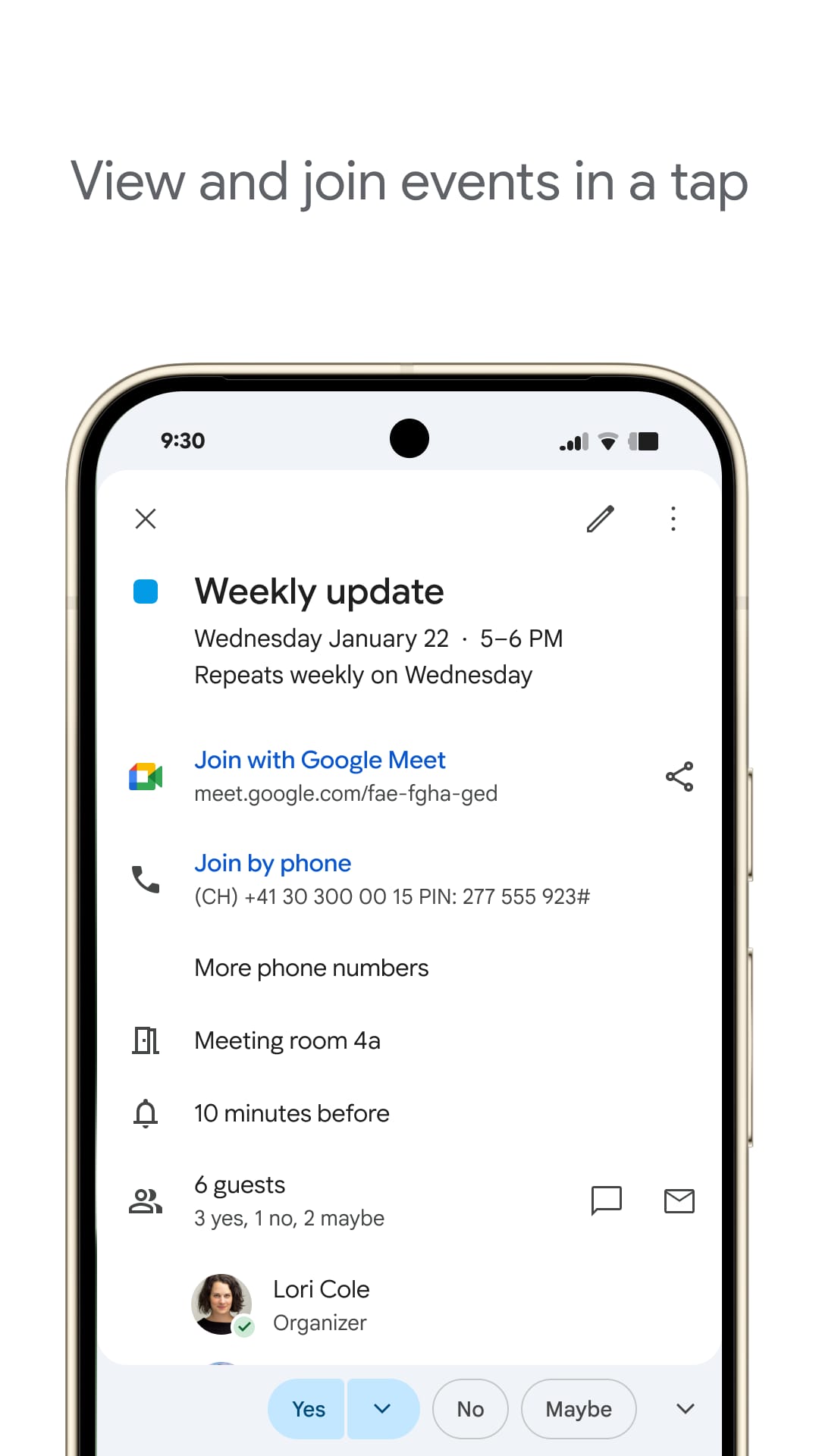
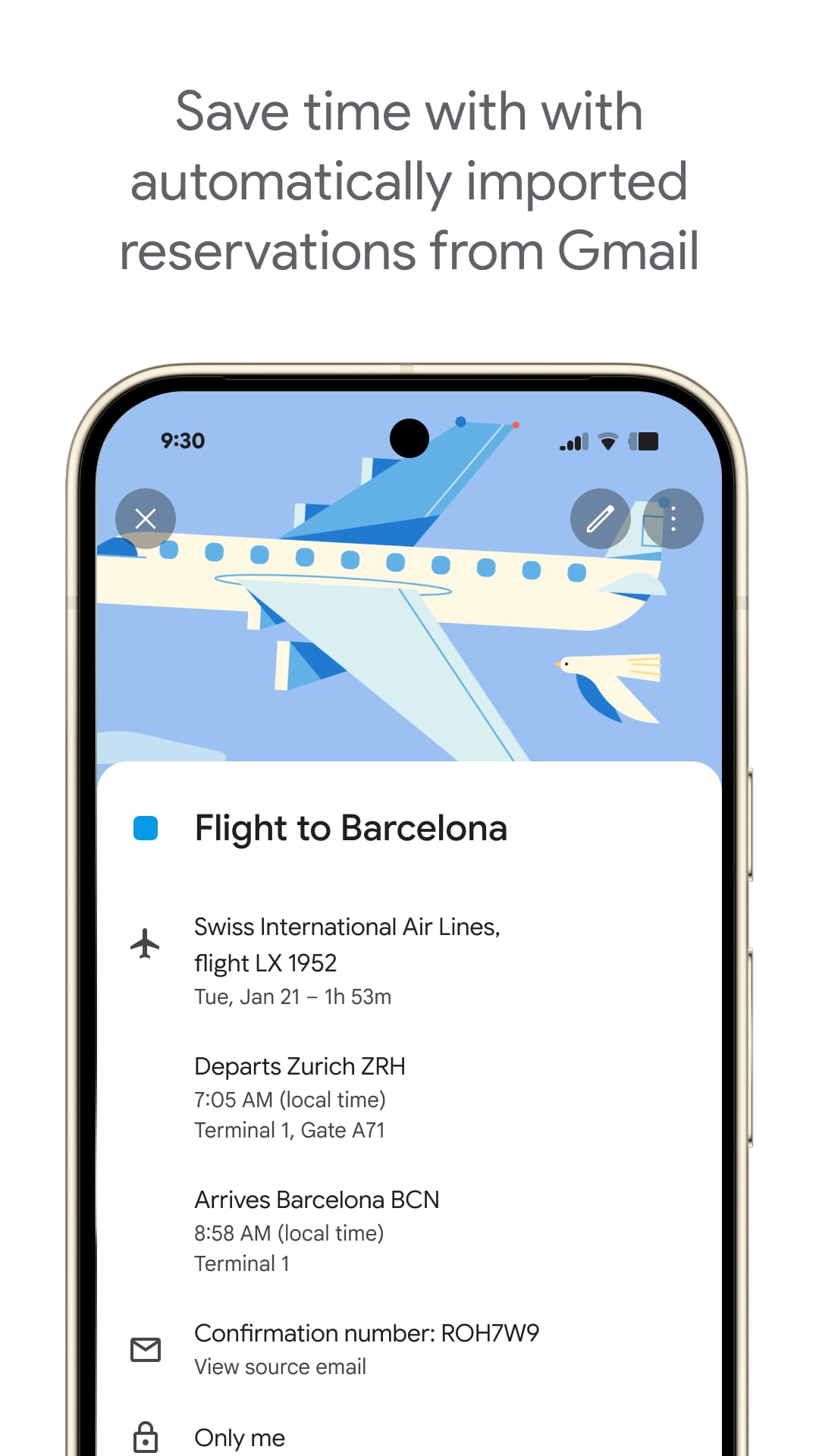
screenshot screenshot screenshot screenshot
Author's Review
Apkseeker Review
Overwhelmed by countless sticky notes and endless to-do lists? Finding it difficult to manage appointments, deadlines, and social events? Enter Google Calendar, your ultimate digital organizer! This complimentary application from Google transforms your device into a robust planning tool, enabling you to efficiently manage your time and maintain control over your hectic schedule. Whether you're a student balancing academics and activities, a professional handling a demanding work calendar, or someone seeking to simplify their daily routine, Google Calendar equips you with the ability to master your time and ensure you never overlook an important event.
Beyond Simple Scheduling
Google Calendar transcends the basic function of a digital planner, emerging as a versatile toolset crafted to elevate your productivity and organizational capabilities. Firstly, the platform facilitates effortless creation and administration of events, allowing users to arrange appointments, conferences, due dates, and personal alerts with ease. You can specify exact timings, include comprehensive notes, and extend invitations to attendees in just a few simple steps. Secondly, the application offers a variety of calendar perspectives and adjustable configurations. Users can establish and alternate between distinct calendars for professional tasks, personal activities, or individual projects, tailoring the display format (daily, weekly, monthly, or agenda view) to align with their specific requirements and preferences. Lastly, the system incorporates alerts and notifications to ensure you never overlook a critical meeting or deadline. These customizable prompts are delivered directly to your device, providing ample advance notice for upcoming engagements.
Seamless Planning and Teamwork
Google Calendar excels in simplifying event scheduling and enhancing collaboration. Firstly, its "Quick Add" function and compatibility with voice commands enable users to effortlessly create reminders or events on the move. By integrating with Google Assistant, the app allows for the management of schedules through straightforward voice instructions. Secondly, Google Calendar's seamless connection with other Google services such as Gmail and Google Meet is a significant benefit. This integration facilitates the direct scheduling of meetings from email threads and the ability to join video conferences with a single click. Additionally, users can share their calendars with selected individuals or teams, fostering teamwork and ensuring alignment across schedules. Lastly, Google Calendar extends beyond mere event planning by incorporating goal setting and task management. It syncs with various task management applications, enabling users to establish deadlines and recurring tasks within the calendar interface. This comprehensive approach to time management allows for the visualization of both schedule and to-do list, thereby optimizing the management of time and tasks.
Comparing Google Calendar and Apple Calendar: Selecting the Ideal Calendar Application
While numerous calendar applications exist, Google Calendar stands out due to several key benefits. Firstly, it offers extensive platform compatibility and accessibility, functioning seamlessly across various devices and operating systems, including smartphones, tablets, and computers. This ensures users can view and manage their schedules from any location and on any device. Secondly, although Apple Calendar provides a smooth experience within the Apple ecosystem, particularly for iPhone users, Google Calendar excels in its integration capabilities with a variety of productivity tools and offers enhanced flexibility for those who frequently switch between different devices.
Emphasizing User Experience and Continuous Improvement
Google Calendar is designed with a strong emphasis on user experience and continually introduces innovative features. First, its Clean and Simple Layout ensures that adding events, organizing your agenda, and toggling between different calendar views is straightforward, regardless of your technical expertise. Second, the platform offers Offline Access, allowing you to view and manage your calendar events without an internet connection, and provides Intelligent Time Suggestions to help you identify the best meeting times and prevent double bookings. Third, a standout feature of Google Calendar is its High Customization Options. Users can assign color-coded labels to various event types, choose personalized notification tones, and establish custom working hours, ensuring the calendar aligns with their unique requirements and preferences.
Master Your Schedule with Ease
Gain Control Over Your Day with Google Calendar's Powerful Features
Do you find yourself struggling to manage a hectic timetable and an endless list of tasks? Google Calendar provides the solution to reclaim your time and simplify your everyday routine. With user-friendly event creation, adjustable reminders, and seamless teamwork capabilities, along with goal-setting integrations, Google Calendar delivers a robust set of tools to enhance your efficiency and maintain order. Embrace the power of Google Calendar today and discover a more organized, stress-free approach to managing your demanding schedule.
Collpase
Download
Previous APK Versions
ZIP files containing Android App Bundles require a Split APKs Installer (e.g., SAI) from Google Play to install. Steps: 1.Download SAI from Google Play;2.Open SAI and tap "Install APKs";3.Locate and select your downloaded ZIP file;4.Grant the "Install Unknown Apps" permission if prompted;5.Wait for the process to complete.
V2025.04.1-720118263-release
APK
Package Name
com.google.android.calendar
Version Name
V2025.04.1-720118263-release
Version Code
2017669545
File Size
30.76 MB
Update time
2023-01-01
You Might Like
  • 01
    How do I install this app after downloading it?

    If you're an Android user and don't download the app from the official Google Play Store,you may find the installation process more complicated than usual.

    But we are delighted to inform you that you don't need to worry. To ensure you could install this app smoothly,we have written and uploaded a detailed tutorial. It would guide you on installing an app after downloading it from our website step by step,with the help of pictures.

    You may find this helpful article on the downloading site,or visit How to install APK/XAPK files on Android.

    If you need further help,please do not hesitate to contact us via email [email protected].

  • 02
    Is this app safe to use?

    We fully understand your concern about safety. We agree that one person wouldn't be too careful in the cyber world. Meanwhile,we are happy to tell you that one of our priorities is to provide our users with safe app files that they can use without any worries.

    We guarantee that all the app files we provided originate from official and reliable sources. We promise that they do not contain any malware that will harm your hardware or the safety of your privacy.

  • 03
    Is this app free to download?

    We are happy to inform you that the answer is an absolute YES! All the apps on our website are 100% free to download. Besides,you do not have to create an account. Just click on the download button,and it's done.

  • 04
    How do I find my account back?

    Recently we received a lot of emails from our users,which said they couldn't log in for different reasons,such as 'forgot the user name or password' or 'had a new phone.' We are willing to help you out. Please read the notes below to see what we can do.

    To answer this question,please first let us know which account you're referring to.

    If you're referring to your account of some app,like your Facebook account or your Youtube account. Unfortunately,we would not be able to help in this case. We would suggest you turn to the customer service of this application.

  • 05
    How do I cancel subscriptions?

    This question is essentially quite similar to the prior one. It's a pity that we are unable to help you to cancel the subscription to a third-party application directly,while we would suggest you to contact its customer service for further information.

  • 06
    How do I get a refund?

    Sorry that we are unable to help you to get a refund from a third-party application directly. If you wish to get a refund from a third-party app,we would suggest you to contact its customer service. We would be happy to provide you the way to contact them.

    If you want a refund from us,we should apologize for your confusion. Our service is 100% free,and any payment information is not required.

    If you run into any site that asks you to provide your payment information,be careful. Remember never reveal your payment information to any unauthorized third parties,no matter how attempting their offer may seem.

  • 07
    How to use this app?

    Sorry that we cannot answer this question directly,for this only aims to answer some general questions. You may find how to use a certain app by checking our review page.