Open Menu
Home
Apps
Games
Articles
Additional Information
Category
Productivity
Version
V2.24.177.1.all.alldpi
Tag
storage | cloud | documents
Rate
4.3
Reviews
178640
Installs
10,000,000,000+
Developer
Google LLC
Content Rating
Everyone
Store, access, and share securely with Google Drive, part of Google Workspace.
About This App
  • Package Name

    com.google.android.apps.docs

  • Version Name

    V2.25.497.5.all.alldpi

  • Version Code

    214266508

  • File Size

    24.74 MB

  • System

    Android 8.0+ (Oreo, API 26)

  • Update time

    12/23/2025, 7:54:48 AM

Screenshots
screenshot screenshot screenshot screenshot
Author's Review
Apkseeker Review
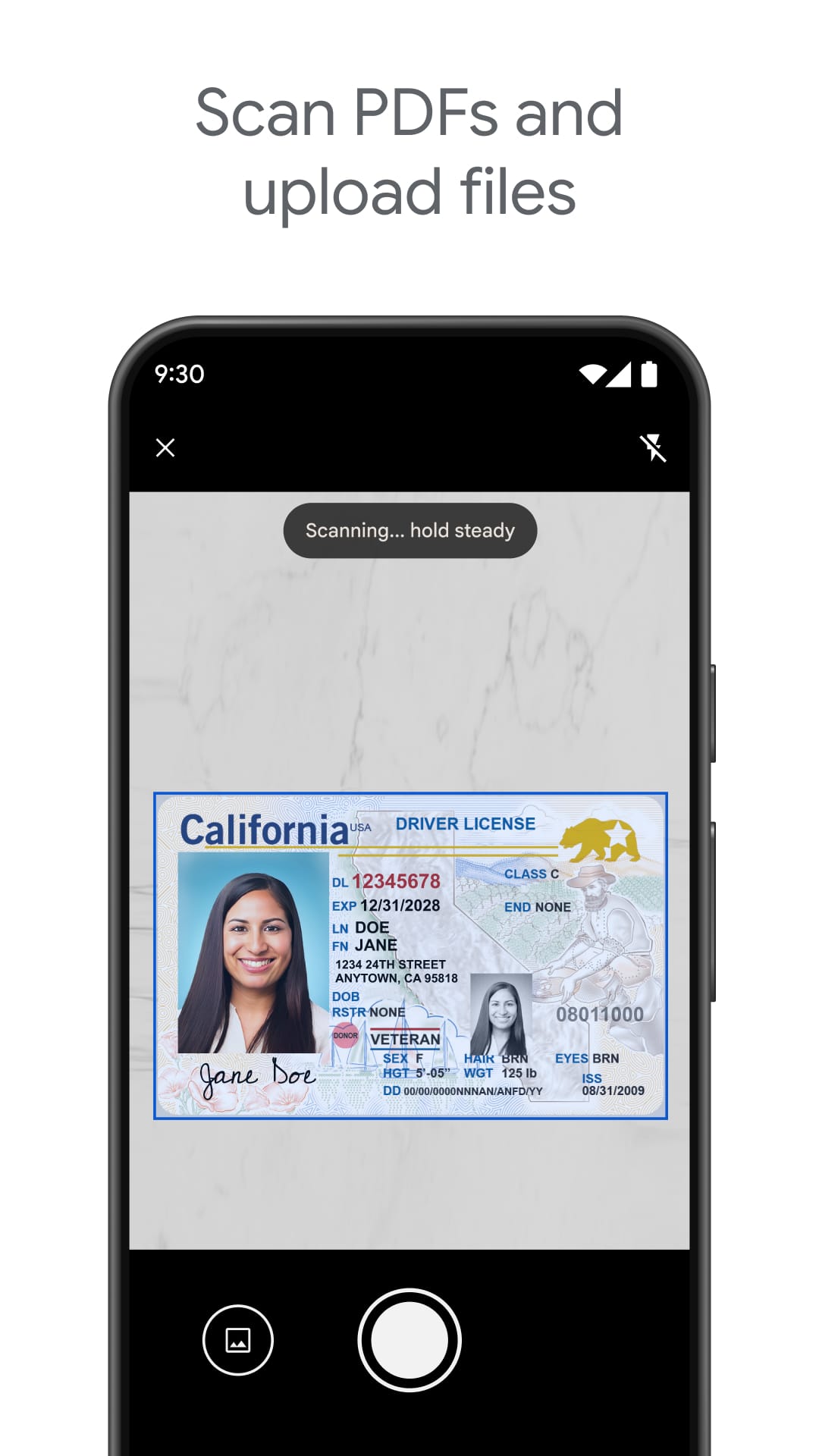
Does it seem like your computer's storage is perpetually on the verge of reaching its limit? Are you constantly shifting critical files between various gadgets and concerned about potential data loss? Google Drive emerges as your ultimate cloud-based storage solution! This complimentary application by Google delivers a safe and efficient method to store, retrieve, and handle all your digital assets – ranging from text files and presentations to images and multimedia content – within a single, unified platform. Eliminate the need for cumbersome external drives and tedious searches for misplaced files. With Google Drive, you can confidently manage your information and conveniently access your essential documents from any location and at any time.
A Comprehensive Solution for Digital File Organization
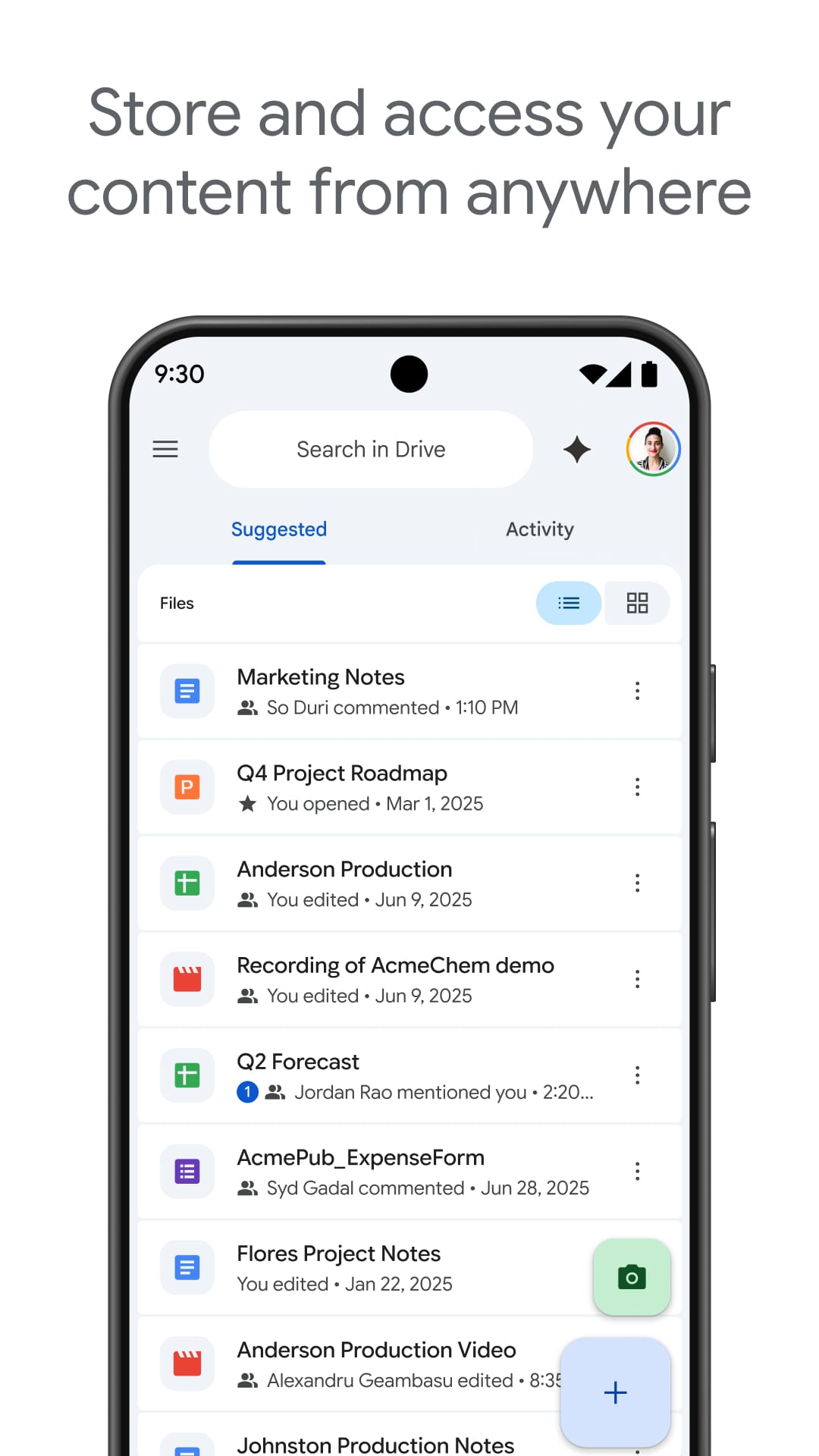
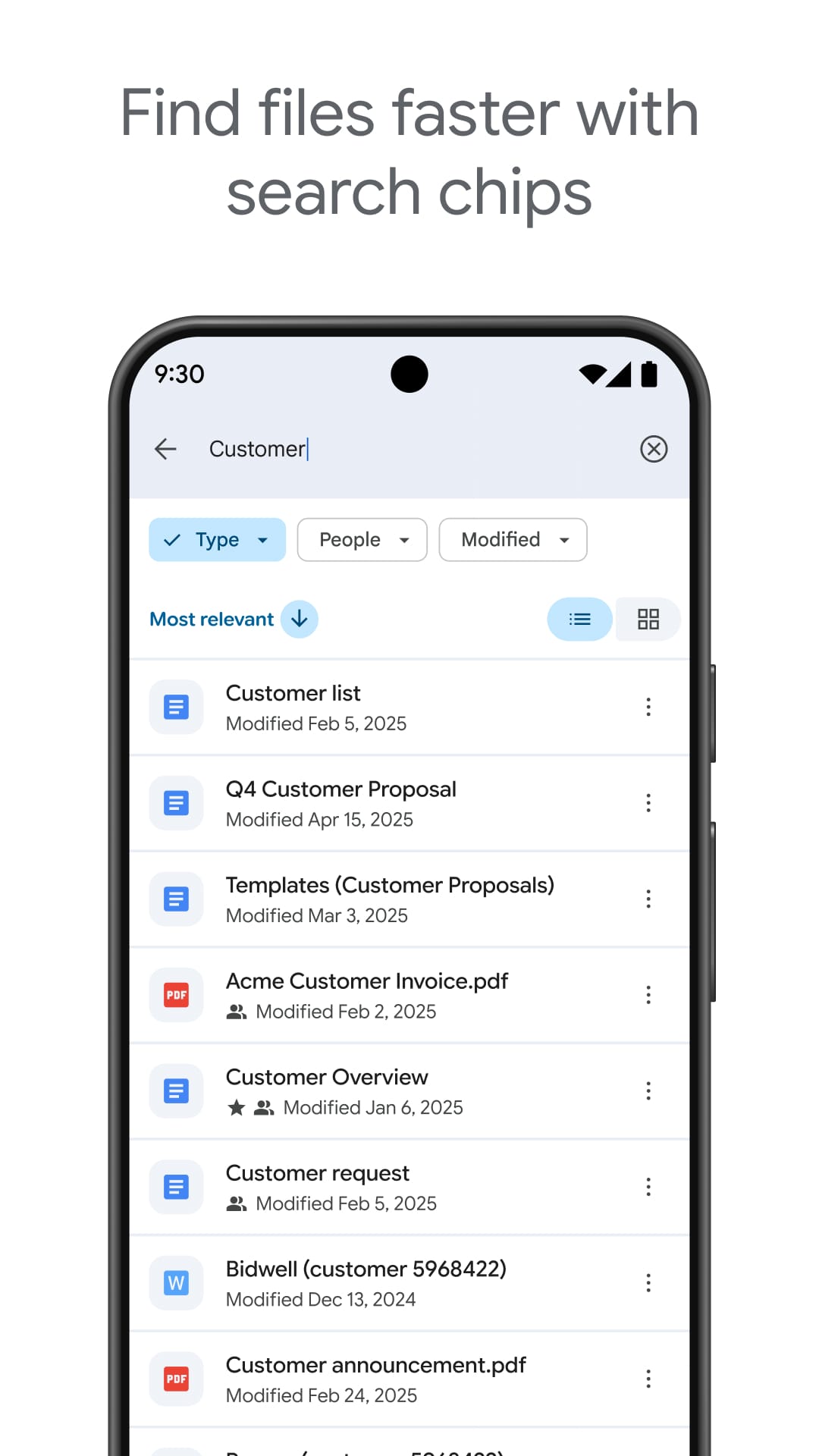
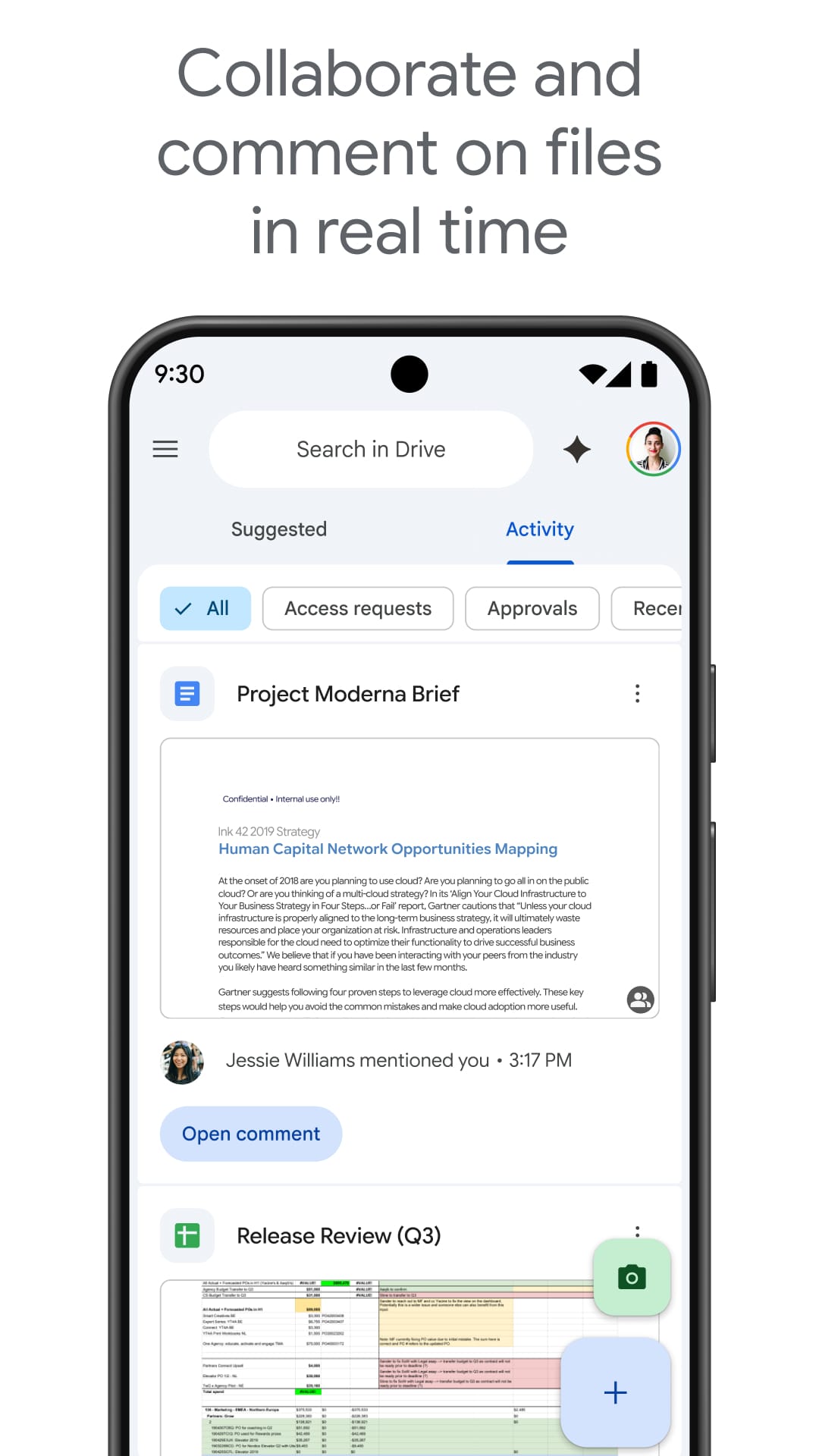
Google Drive transcends the conventional notion of cloud storage by offering a versatile suite of tools designed to enhance your file organization and accessibility. First, it provides users with an initial 15GB of complimentary storage space, with premium options available for those needing additional capacity. Uploading files is straightforward, allowing you to effortlessly drag and drop items or select them directly from your device's memory. Second, the platform excels in file management and retrieval. Users can create a structured system of folders and labels to maintain order, while the advanced search capability enables quick location of files using various criteria such as keywords, file type, or even content within the documents. Third, Google Drive is a powerful collaboration tool. It facilitates real-time sharing and editing of documents, spreadsheets, and presentations with others, enabling simultaneous work and instant updates. This feature promotes efficient teamwork and eliminates the inconvenience of managing multiple email attachments and version histories.
Remote Access and Offline Functionality
Google Drive emphasizes ease of use and versatility. Firstly, it offers broad device compatibility and mobile accessibility. Users can access Google Drive from multiple platforms, such as smartphones, tablets, and desktop computers. Additionally, its intuitive mobile application enables users to upload, access, and manage files from anywhere, ensuring that important data is always readily available. Secondly, Google Drive provides offline access to previously downloaded files. This feature allows users to view documents, presentations, or images without an internet connection. Once connectivity is restored, Google Drive automatically synchronizes any modifications made during the offline period, ensuring seamless integration.
Selecting the Ideal Cloud Storage: A Comparison of Google Drive and Dropbox
Numerous cloud storage solutions are available, yet Google Drive presents several unique benefits: First, it provides ample free storage to help you begin, and it effortlessly connects with other Google services such as Gmail, Docs, Sheets, and Slides. This integration enables direct access and editing of files within these platforms, thereby enhancing productivity and workflow efficiency. On the other hand, Dropbox, while offering a comparable range of features, provides less free storage. However, Dropbox may be preferable for those who value a more substantial free storage capacity or do not heavily rely on other Google services.
Emphasizing Security and Continuous Innovation
Google Drive emphasizes the protection of your information through several key measures. First, it utilizes comprehensive security protocols and encryption techniques to ensure your files are shielded. Data is encrypted during transmission and while stored, with an extra security layer provided by two-factor authentication. Second, the Google Drive team is dedicated to continuous innovation, regularly introducing new features. Users can anticipate ongoing enhancements in collaboration capabilities, security options, and overall usability. Lastly, an important feature of Google Drive is its versatile file-sharing functionality. You have the option to share files with specific people, provide editing rights to collaborators, or create public links for broader access. This detailed control allows you to share your information safely according to your requirements.
Safeguarding Your Information in the Cloud
Revolutionize Your Digital Storage with Google Drive
Say goodbye to the frustration of insufficient storage and disorganized files. Google Drive provides a safe and efficient platform to store, retrieve, and organize all your essential information in a single location. With ample free storage, robust search capabilities, real-time collaboration tools, and the ability to access your files offline, Google Drive equips you with the power to manage your data effectively and enhance your productivity. Embrace the future of file management by downloading Google Drive today and experience seamless digital organization for your personal and professional needs.
Collpase
Download
Previous APK Versions
ZIP files containing Android App Bundles require a Split APKs Installer (e.g., SAI) from Google Play to install. Steps: 1.Download SAI from Google Play;2.Open SAI and tap "Install APKs";3.Locate and select your downloaded ZIP file;4.Grant the "Install Unknown Apps" permission if prompted;5.Wait for the process to complete.
V2.25.497.5.all.alldpi
APK
Package Name
com.google.android.apps.docs
Version Name
V2.25.497.5.all.alldpi
Version Code
214266508
File Size
24.74 MB
Update time
12/23/2025, 7:54:48 AM
V2.25.007.3.all.alldpi
APK
Package Name
com.google.android.apps.docs
Version Name
V2.25.007.3.all.alldpi
Version Code
213871256
File Size
117.26 MB
Update time
1/8/2025, 12:00:00 AM
V2.24.177.1.all.alldpi
APK
Package Name
com.google.android.apps.docs
Version Name
V2.24.177.1.all.alldpi
Version Code
213579692
File Size
111.05 MB
Update time
4/30/2024, 12:00:00 AM
V2.24.127.3.all.alldpi
APK
Package Name
com.google.android.apps.docs
Version Name
V2.24.127.3.all.alldpi
Version Code
213538028
File Size
110.67 MB
Update time
4/10/2024, 12:00:00 AM
V2.23.337.3.all.alldpi
APK
Package Name
com.google.android.apps.docs
Version Name
V2.23.337.3.all.alldpi
Version Code
213262508
File Size
106.84 MB
Update time
8/22/2023, 12:00:00 AM
V2.23.327.0.all.alldpi
APK
Package Name
com.google.android.apps.docs
Version Name
V2.23.327.0.all.alldpi
Version Code
213254164
File Size
106.71 MB
Update time
8/16/2023, 12:00:00 AM
V2.23.317.0.all.alldpi
APK
Package Name
com.google.android.apps.docs
Version Name
V2.23.317.0.all.alldpi
Version Code
213244896
File Size
105.94 MB
Update time
8/9/2023, 12:00:00 AM
V2.23.297.0.all.alldpi
APK
Package Name
com.google.android.apps.docs
Version Name
V2.23.297.0.all.alldpi
Version Code
213228124
File Size
105.64 MB
Update time
7/25/2023, 12:00:00 AM
V2.23.257.2.all.alldpi
APK
Package Name
com.google.android.apps.docs
Version Name
V2.23.257.2.all.alldpi
Version Code
213198024
File Size
105.14 MB
Update time
7/5/2023, 12:00:00 AM
V2.23.241.0.all.alldpi
APK
Package Name
com.google.android.apps.docs
Version Name
V2.23.241.0.all.alldpi
Version Code
213183212
File Size
100.1 MB
Update time
6/15/2023, 7:00:00 AM
V2.23.221.0.all.alldpi
APK
Package Name
com.google.android.apps.docs
Version Name
V2.23.221.0.all.alldpi
Version Code
213167224
File Size
99.96 MB
Update time
5/31/2023, 12:00:00 AM
V2.23.211.0.all.alldpi
APK
Package Name
com.google.android.apps.docs
Version Name
V2.23.211.0.all.alldpi
Version Code
213158852
File Size
99.82 MB
Update time
5/24/2023, 12:00:00 AM
V2.23.201.0.all.alldpi
APK
Package Name
com.google.android.apps.docs
Version Name
V2.23.201.0.all.alldpi
Version Code
213150424
File Size
99.59 MB
Update time
5/18/2023, 12:00:00 AM
V2.22.437.0.all.alldpi
APK
Package Name
com.google.android.apps.docs
Version Name
V2.22.437.0.all.alldpi
Version Code
212919788
File Size
96.22 MB
Update time
11/17/2022, 9:02:21 PM
V2.22.372.2.all.alldpi
APK
Package Name
com.google.android.apps.docs
Version Name
V2.22.372.2.all.alldpi
Version Code
212865972
File Size
84.33 MB
Update time
9/15/2022, 8:01:38 PM
You Might Like
  • 01
    How do I install this app after downloading it?

    If you're an Android user and don't download the app from the official Google Play Store,you may find the installation process more complicated than usual.

    But we are delighted to inform you that you don't need to worry. To ensure you could install this app smoothly,we have written and uploaded a detailed tutorial. It would guide you on installing an app after downloading it from our website step by step,with the help of pictures.

    You may find this helpful article on the downloading site,or visit How to install APK/XAPK files on Android.

    If you need further help,please do not hesitate to contact us via email [email protected].

  • 02
    Is this app safe to use?

    We fully understand your concern about safety. We agree that one person wouldn't be too careful in the cyber world. Meanwhile,we are happy to tell you that one of our priorities is to provide our users with safe app files that they can use without any worries.

    We guarantee that all the app files we provided originate from official and reliable sources. We promise that they do not contain any malware that will harm your hardware or the safety of your privacy.

  • 03
    Is this app free to download?

    We are happy to inform you that the answer is an absolute YES! All the apps on our website are 100% free to download. Besides,you do not have to create an account. Just click on the download button,and it's done.

  • 04
    How do I find my account back?

    Recently we received a lot of emails from our users,which said they couldn't log in for different reasons,such as 'forgot the user name or password' or 'had a new phone.' We are willing to help you out. Please read the notes below to see what we can do.

    To answer this question,please first let us know which account you're referring to.

    If you're referring to your account of some app,like your Facebook account or your Youtube account. Unfortunately,we would not be able to help in this case. We would suggest you turn to the customer service of this application.

  • 05
    How do I cancel subscriptions?

    This question is essentially quite similar to the prior one. It's a pity that we are unable to help you to cancel the subscription to a third-party application directly,while we would suggest you to contact its customer service for further information.

  • 06
    How do I get a refund?

    Sorry that we are unable to help you to get a refund from a third-party application directly. If you wish to get a refund from a third-party app,we would suggest you to contact its customer service. We would be happy to provide you the way to contact them.

    If you want a refund from us,we should apologize for your confusion. Our service is 100% free,and any payment information is not required.

    If you run into any site that asks you to provide your payment information,be careful. Remember never reveal your payment information to any unauthorized third parties,no matter how attempting their offer may seem.

  • 07
    How to use this app?

    Sorry that we cannot answer this question directly,for this only aims to answer some general questions. You may find how to use a certain app by checking our review page.