
Open Menu
Home
Apps
Games
Articles
Additional Information
Category
Business
Version
V5.14.7.13652
Tag
collaboration | zoom | collaborate
Rate
4.1
Reviews
73447
Installs
1,000,000,000+
Developer
zoom.com
Content Rating
Everyone
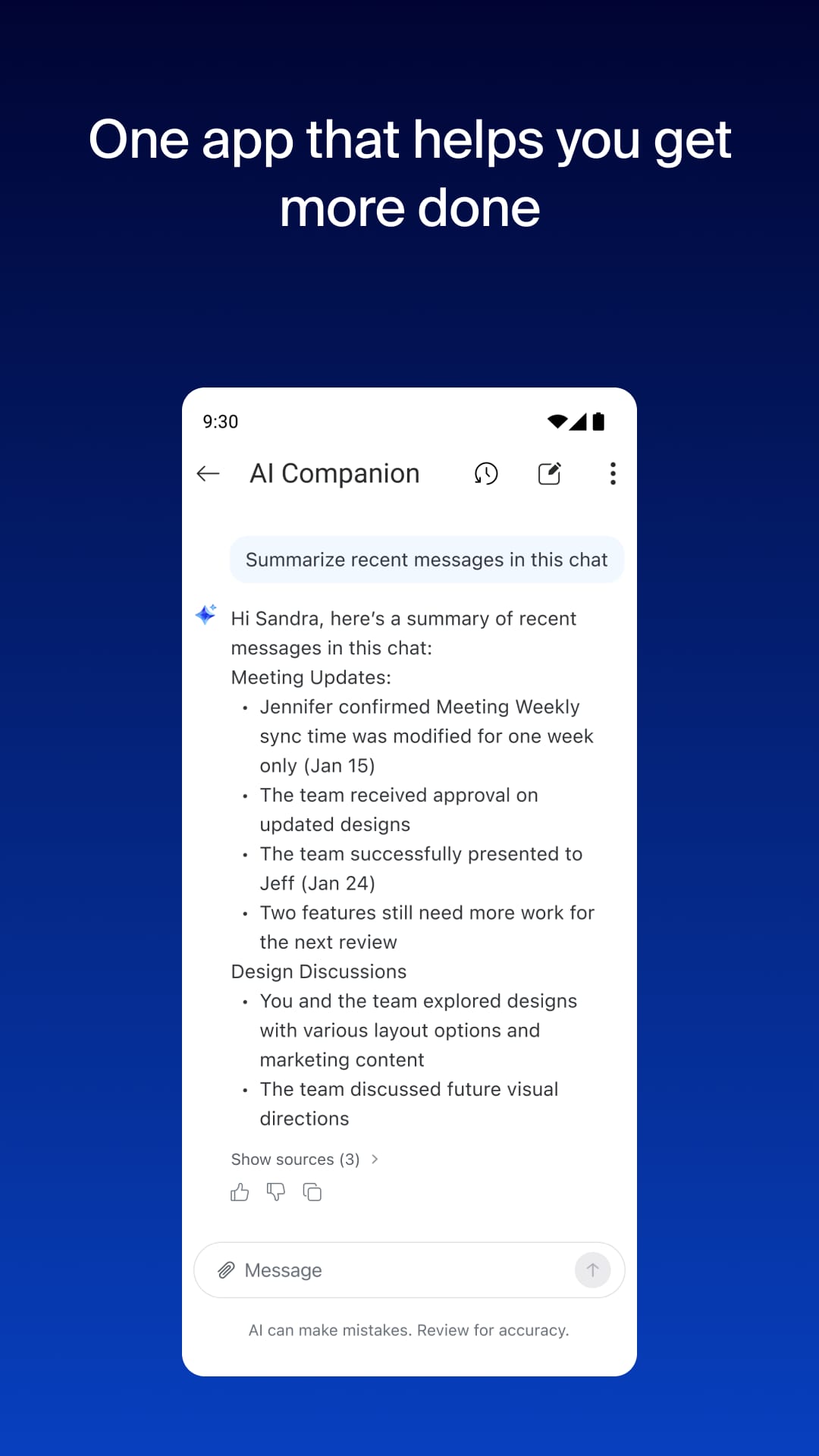
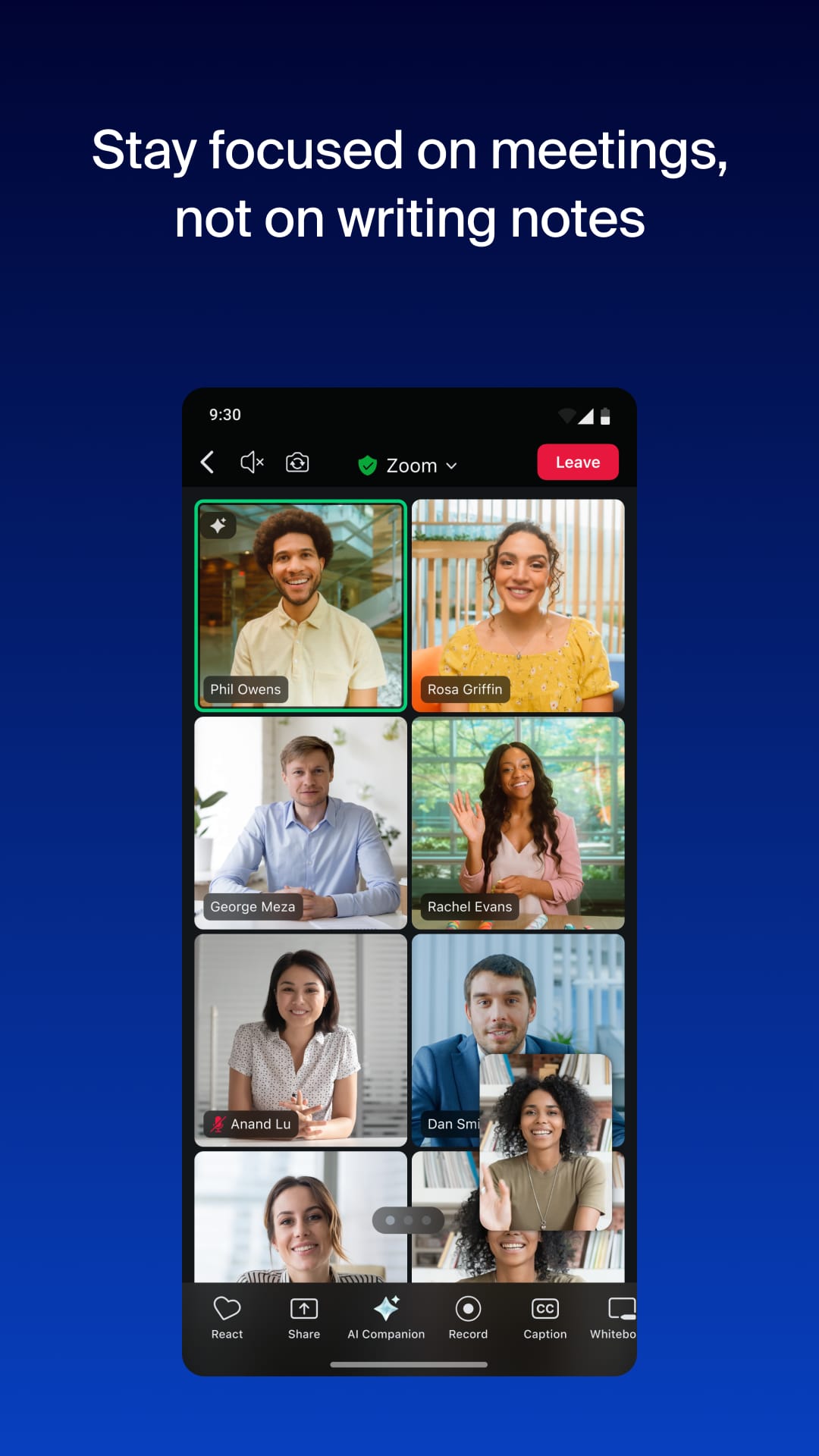
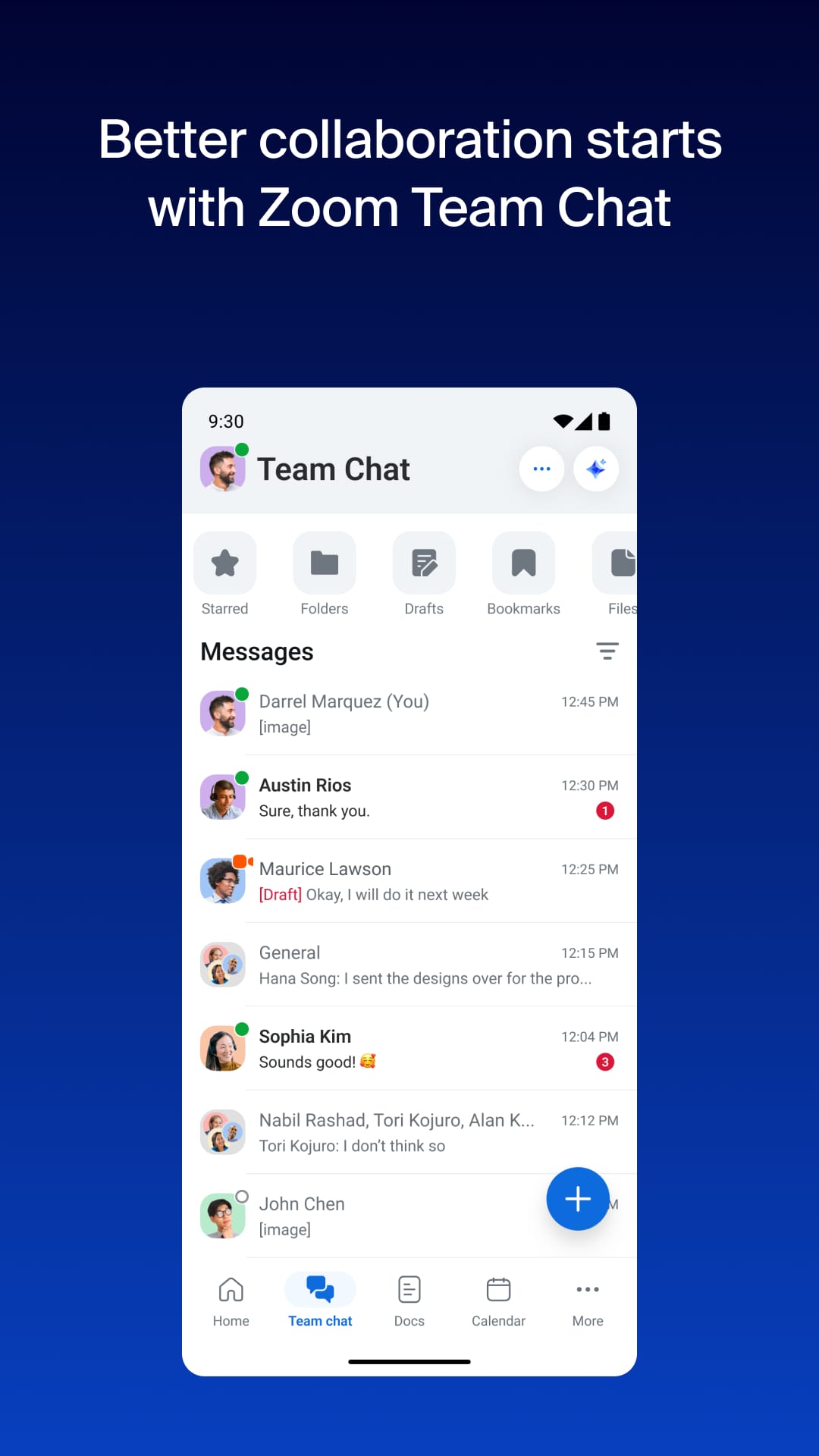
Work happy with AI Companion
About This App
  • Package Name

    us.zoom.videomeetings

  • Version Name

    V6.7.0.35747

  • Version Code

    6607000

  • File Size

    316.23 MB

  • System

    Android 9.0+ (Pie, API 28)

  • Update time

    12/20/2025, 1:50:16 AM

Screenshots
screenshot screenshot screenshot screenshot
Author's Review
Apkseeker Review
In recent years, Zoom has risen to prominence as a widely recognized platform. Its primary function is to facilitate video communication, enabling users to engage in face-to-face interactions over the internet, regardless of geographical location. Essentially, it serves as a portable digital conference space. With Zoom, users can initiate video meetings, join virtual summits, work collaboratively with remote teams, or maintain personal connections with loved ones, all through a single device.
Distinctive Attributes and Highlights
Among the multitude of video conferencing platforms available, Zoom distinguishes itself through its remarkable user-friendliness, superior audiovisual quality, and extensive array of features. Here are the key aspects that make it a preferred choice: 1. User-centric design: Zoom offers an intuitive interface that simplifies the process of initiating video calls, ensuring accessibility even for those with limited technical proficiency. 2. Superior audiovisual performance: Experience impeccable video clarity and audio fidelity, facilitating seamless interaction irrespective of geographical boundaries. 3. Versatile meeting capabilities: Conduct a wide range of meetings, from intimate one-on-one sessions to expansive webinars accommodating hundreds of attendees. 4. Real-time collaboration tools: Utilize screen sharing to enhance presentations, collaborative brainstorming, and remote teamwork, streamlining communication processes. 5. Customizable backgrounds: Elevate your video call ambiance with personalized or professional virtual backgrounds, offering the option to obscure your actual environment for added privacy or aesthetic appeal.
Leveraging Zoom for Enhanced Professional and Personal Communication
The utility of Zoom reaches well beyond conventional workspaces. Here are several ways it can enhance various facets of your daily routine: 1. Telecommuting: Engage with coworkers, carry out job interviews, or present projects online, promoting a versatile and efficient work atmosphere. 2. Maintaining personal relationships: Organize digital family reunions, enjoy video calls with friends worldwide, or commemorate milestones in real-time, despite geographical distances. 3. Academic pursuits: Join virtual classrooms, participate in online seminars, or liaise with educators remotely, democratizing access to learning opportunities. 4. Virtual medical consultations: Meet with healthcare professionals online, obtain medical guidance, or undergo counseling sessions from the convenience of your residence. 5. Community and recreational activities: Arrange online game evenings, literary discussions, or fitness sessions, cultivating a sense of togetherness and engagement even when in isolation.
Comparison of Advantages and Disadvantages with Similar Applications
Zoom is contending with rival video conferencing platforms such as Google Meet and Microsoft Teams. Below is a brief comparison: Advantages of Zoom: First, it offers superior ease of use, making it accessible even for those who are not tech-savvy. Second, it provides versatility in meeting sizes, catering to both intimate gatherings and large-scale webinars. Third, its free tier includes more functionalities compared to similar offerings from competitors. Fourth, the virtual background feature adds a personal or professional touch while allowing users to conceal their environment. Fifth, Zoom is equipped with strong security measures, ensuring privacy for meetings that demand it. Disadvantages of Zoom: The free version imposes time constraints on longer sessions. Additionally, the cost of paid plans may exceed that of some competitors. Lastly, past security issues have raised privacy concerns, although Zoom has made significant improvements in this area.
New Features and What to Anticipate from Zoom
Zoom consistently introduces new features aimed at enhancing user experience. The latest updates encompass several key areas: 1. Advanced screen sharing: The inclusion of improved annotation tools and collaborative annotation capabilities facilitates more effective teamwork. 2. Real-time transcription: Meetings now feature live captions, boosting accessibility and simplifying the process of taking notes. 3. Breakout sessions: Participants can be segregated into smaller clusters for in-depth conversations or creative brainstorming. 4. Interactive polls and surveys: These can be conducted seamlessly within meetings to collect insights and measure participant engagement. Beyond its extensive feature set, Zoom's true strength lies in its capacity to overcome geographical barriers, enabling immediate communication that fosters a deeper sense of connection compared to conventional phone calls or emails. In an era where digital interaction is paramount, Zoom serves as an essential tool for sustaining personal and professional relationships and promoting collaboration. As we look to the future, it is anticipated that Zoom will further integrate with productivity applications, refine scheduling functionalities, and implement even more robust security measures.
Zoom - Bridging Distances, Enhancing Connections
Elevate Your Communication with Zoom: A Comprehensive Video Conferencing Solution
Zoom stands out as an intuitive and comprehensive video conferencing tool that caters to a wide range of needs beyond traditional meetings. Whether you're a remote worker in need of reliable collaboration features or an individual aiming to maintain close ties with family and friends, Zoom provides a flexible platform for meaningful face-to-face engagement in our increasingly digital landscape. Boasting high-quality video and audio, coupled with a continually growing array of functionalities, Zoom has the potential to revolutionize how you conduct business, pursue education, engage socially, and maintain personal connections. This makes it an indispensable tool for modern communication. Why not experience the benefits firsthand and discover how Zoom can enhance your interactions?
Collpase
Download
Previous APK Versions
ZIP files containing Android App Bundles require a Split APKs Installer (e.g., SAI) from Google Play to install. Steps: 1.Download SAI from Google Play;2.Open SAI and tap "Install APKs";3.Locate and select your downloaded ZIP file;4.Grant the "Install Unknown Apps" permission if prompted;5.Wait for the process to complete.
V6.7.0.35747
APK
Package Name
us.zoom.videomeetings
Version Name
V6.7.0.35747
Version Code
6607000
File Size
316.23 MB
Update time
12/20/2025, 1:50:16 AM
V6.0.2.21283
APK
Package Name
us.zoom.videomeetings
Version Name
V6.0.2.21283
Version Code
6600020
File Size
190.73 MB
Update time
4/19/2024, 12:00:00 AM
V5.17.10.20124
APK
Package Name
us.zoom.videomeetings
Version Name
V5.17.10.20124
Version Code
6517100
File Size
304.5 MB
Update time
2/27/2024, 12:00:00 AM
V5.17.1.18472
APK
Package Name
us.zoom.videomeetings
Version Name
V5.17.1.18472
Version Code
6517010
File Size
299.18 MB
Update time
12/27/2023, 12:00:00 AM
V5.16.10.17646
APK
Package Name
us.zoom.videomeetings
Version Name
V5.16.10.17646
Version Code
6516100
File Size
279.72 MB
Update time
11/20/2023, 12:00:00 AM
V5.16.2.16495
APK
Package Name
us.zoom.videomeetings
Version Name
V5.16.2.16495
Version Code
6516020
File Size
272.96 MB
Update time
9/30/2023, 12:00:00 AM
V5.15.3.14879
APK
Package Name
us.zoom.videomeetings
Version Name
V5.15.3.14879
Version Code
6515030
File Size
281.13 MB
Update time
7/10/2023, 12:00:00 AM
V5.15.2.14613
APK
Package Name
us.zoom.videomeetings
Version Name
V5.15.2.14613
Version Code
6515020
File Size
281.12 MB
Update time
6/27/2023, 12:00:00 AM
V5.15.0.14500
APK
Package Name
us.zoom.videomeetings
Version Name
V5.15.0.14500
Version Code
6515000
File Size
281.12 MB
Update time
6/20/2023, 12:00:00 AM
V5.14.10.14212
APK
Package Name
us.zoom.videomeetings
Version Name
V5.14.10.14212
Version Code
6514100
File Size
270.07 MB
Update time
6/5/2023, 12:00:00 AM
V5.14.7.13652
APK
Package Name
us.zoom.videomeetings
Version Name
V5.14.7.13652
Version Code
6514070
File Size
44.51 MB
Update time
5/9/2023, 12:00:00 AM
V5.12.9.10320
APK
Package Name
us.zoom.videomeetings
Version Name
V5.12.9.10320
Version Code
651209
File Size
242.32 MB
Update time
11/28/2022, 12:00:00 AM
V5.11.4.7276
APK
Package Name
us.zoom.videomeetings
Version Name
V5.11.4.7276
Version Code
651104
File Size
171.57 MB
Update time
8/24/2022, 10:50:33 AM
V5.8.0.2282
APK
Package Name
us.zoom.videomeetings
Version Name
V5.8.0.2282
Version Code
65800
File Size
141.4 MB
Update time
9/24/2021, 12:00:00 AM
You Might Like
  • 01
    How do I install this app after downloading it?

    If you're an Android user and don't download the app from the official Google Play Store,you may find the installation process more complicated than usual.

    But we are delighted to inform you that you don't need to worry. To ensure you could install this app smoothly,we have written and uploaded a detailed tutorial. It would guide you on installing an app after downloading it from our website step by step,with the help of pictures.

    You may find this helpful article on the downloading site,or visit How to install APK/XAPK files on Android.

    If you need further help,please do not hesitate to contact us via email [email protected].

  • 02
    Is this app safe to use?

    We fully understand your concern about safety. We agree that one person wouldn't be too careful in the cyber world. Meanwhile,we are happy to tell you that one of our priorities is to provide our users with safe app files that they can use without any worries.

    We guarantee that all the app files we provided originate from official and reliable sources. We promise that they do not contain any malware that will harm your hardware or the safety of your privacy.

  • 03
    Is this app free to download?

    We are happy to inform you that the answer is an absolute YES! All the apps on our website are 100% free to download. Besides,you do not have to create an account. Just click on the download button,and it's done.

  • 04
    How do I find my account back?

    Recently we received a lot of emails from our users,which said they couldn't log in for different reasons,such as 'forgot the user name or password' or 'had a new phone.' We are willing to help you out. Please read the notes below to see what we can do.

    To answer this question,please first let us know which account you're referring to.

    If you're referring to your account of some app,like your Facebook account or your Youtube account. Unfortunately,we would not be able to help in this case. We would suggest you turn to the customer service of this application.

  • 05
    How do I cancel subscriptions?

    This question is essentially quite similar to the prior one. It's a pity that we are unable to help you to cancel the subscription to a third-party application directly,while we would suggest you to contact its customer service for further information.

  • 06
    How do I get a refund?

    Sorry that we are unable to help you to get a refund from a third-party application directly. If you wish to get a refund from a third-party app,we would suggest you to contact its customer service. We would be happy to provide you the way to contact them.

    If you want a refund from us,we should apologize for your confusion. Our service is 100% free,and any payment information is not required.

    If you run into any site that asks you to provide your payment information,be careful. Remember never reveal your payment information to any unauthorized third parties,no matter how attempting their offer may seem.

  • 07
    How to use this app?

    Sorry that we cannot answer this question directly,for this only aims to answer some general questions. You may find how to use a certain app by checking our review page.